How to verify an Official Artist Channel on YouTube
Introduction
Verifying an official artist channel on YouTube means turning an artist or band main channel into an Official Artist Channel, also known as an OAC.
This type of channel helps bring the artist music content into one place: official videos, releases distributed to YouTube Music, Art Tracks, Shorts, playlists, community content, and associated catalog.
For independent artists, managers, and record labels, having an Official Artist Channel is not just a visual signal of legitimacy. It also helps fans find the correct profile, reduces confusion with Topic channels, improves catalog organization, and allows the artist to build a clearer presence within the YouTube ecosystem.
This guide explains what an Official Artist Channel is, how it works, which requirements usually apply, how to prepare before requesting it, which mistakes to avoid, and what to do if your music appears on the wrong Topic channel.
Table of contents
- What an Official Artist Channel on YouTube is
- Difference between a verified channel, Topic channel, and Official Artist Channel
- Why it matters for artists and labels
- Requirements to request an Official Artist Channel
- How to verify an official artist channel step by step
- What information you should review before applying
- Examples and real-world cases
- Advantages and disadvantages
- Available options to request it
- Common mistakes
- Quick review table
- Frequently asked questions
- Conclusion
What an Official Artist Channel on YouTube is
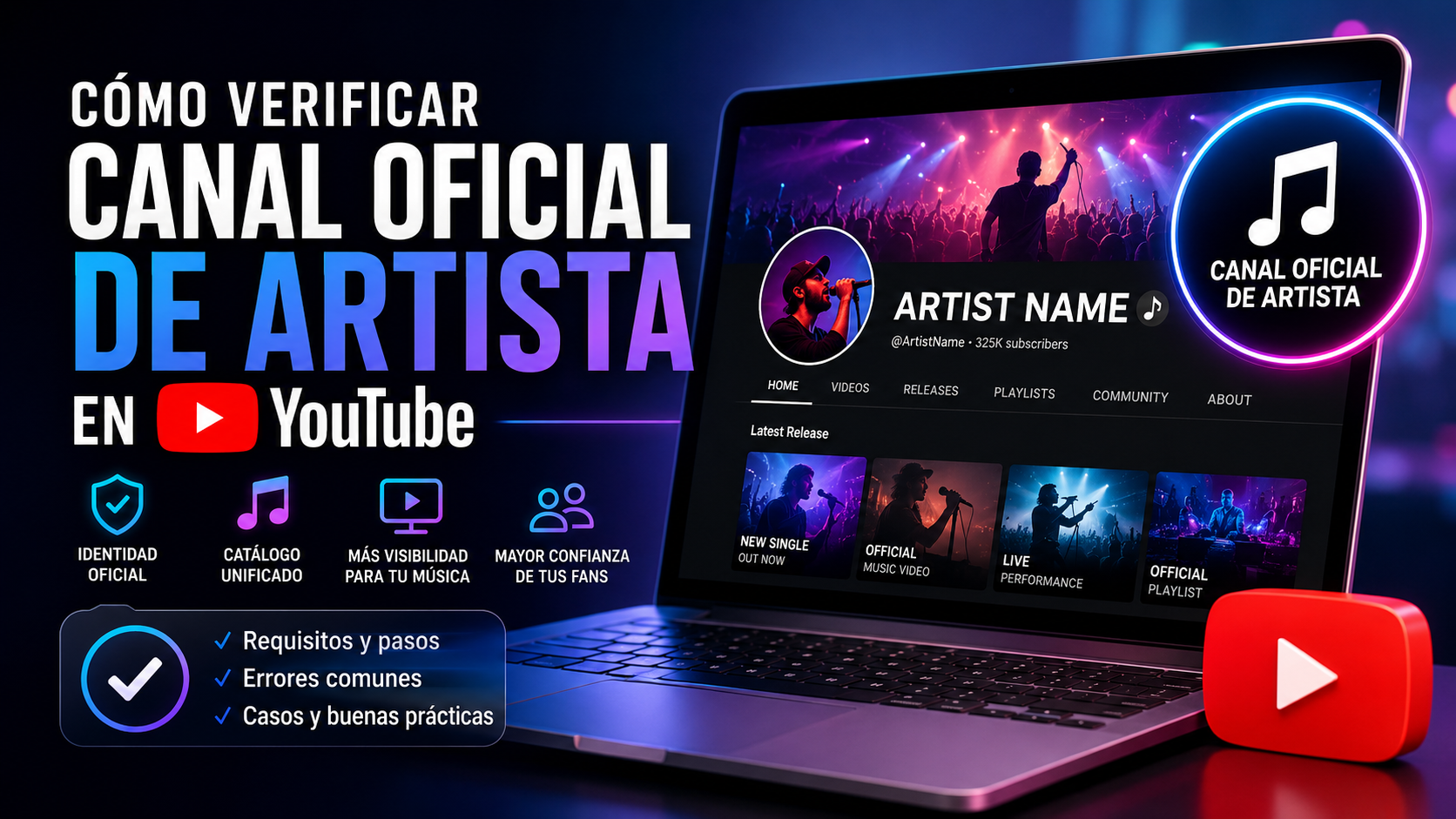
An Official Artist Channel is the main channel recognized by YouTube to represent the music presence of an artist or band.
When a channel receives this status, YouTube can consolidate different types of artist-related content, such as:
- Official music videos.
- Songs delivered to YouTube Music through a distributor or label.
- Automatically generated Art Tracks.
- Albums and singles.
- Playlists.
- Shorts.
- Community content.
- Videos uploaded directly by the artist or their team.
In many cases, the channel receives a music note badge next to the artist name, helping distinguish it from unofficial, duplicate, or automatically generated channels.
Clear definition
An Official Artist Channel on YouTube is the single channel that officially represents a music artist within YouTube and YouTube Music, integrating distributed content, owned videos, and public artist presence on the platform.
Difference between a verified channel, Topic channel, and Official Artist Channel
Not every channel related to an artist means the same thing. Understanding the difference is essential to avoid incorrect requests.
| Type of channel | What it is | Who controls it | What it is used for |
|---|---|---|---|
| Personal or artist channel | Channel manually created by the artist, manager, or team | Artist, manager, or label | Uploading videos, Shorts, playlists, and building community |
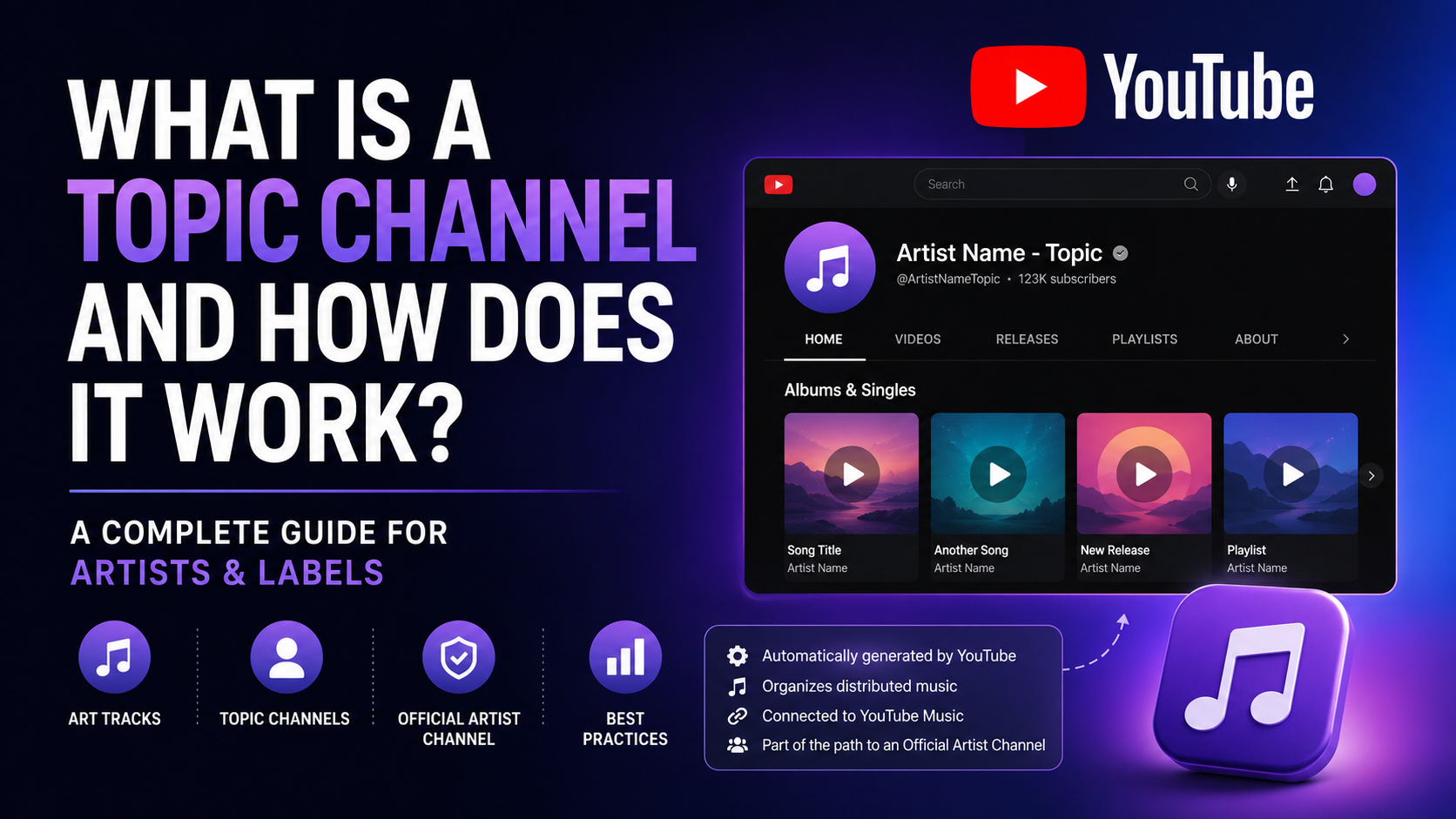
| Topic channel | Channel automatically generated by YouTube when music reaches YouTube Music | YouTube | Grouping Art Tracks and distributed releases |
| General verified channel | Channel with a YouTube verification badge | Channel owner | Confirming the authenticity of a brand, creator, or entity |
| Official Artist Channel | Official music channel recognized for an artist | Artist or authorized team | Unifying music presence, videos, catalog, and releases |
A Topic channel is not the same as an Official Artist Channel
A Topic channel usually appears as:
Artist Name - Topic
This channel is automatically created when a song reaches YouTube Music through a distributor, label, or music provider. The artist usually does not manage that channel directly.
An Official Artist Channel, on the other hand, is associated with the artist main channel and can group part of the content that was previously spread across the manual channel and the Topic channel.
Why verifying an Official Artist Channel matters
Having an Official Artist Channel helps build a clearer music identity within YouTube.
Main benefits
| Benefit | Explanation |
|---|---|
| More clarity for fans | Listeners identify the correct artist channel |
| Better catalog organization | Videos, songs, and releases appear more coherently grouped |
| Better brand control | The artist centralizes image, description, links, and content |
| Less confusion with artists sharing the same name | Helps separate profiles from artists with identical or similar names |
| Better YouTube Music experience | The catalog is connected to the artist official presence |
| More professional presentation | The channel communicates a stronger identity to fans, labels, and partners |
Why it matters for independent artists
An independent artist usually has several digital presence points: Spotify, Apple Music, TikTok, Instagram, YouTube Music, YouTube, Deezer, and other platforms.
If their YouTube channel is not properly organized, problems can happen, such as:
- Songs published on the wrong Topic channel.
- Official videos separated from the distributed catalog.
- Fans following the wrong channel.
- Difficulty claiming the artist identity.
- Confusion between artists with the same name.
- Weaker music brand presence.
An Official Artist Channel helps organize that digital map.
Requirements to request an Official Artist Channel
Requirements may vary depending on the request route, distributor, label, or music partner managing the process. However, in general terms, YouTube usually requires the channel to meet conditions such as the following:
| Requirement | Explanation |
|---|---|
| Channel dedicated to one artist or band | It should not be a label channel with multiple artists as its main identity |
| At least one official release on YouTube | The music must have been delivered through a distributor or label |
| Compliance with YouTube policies | No serious copyright, community, or terms of service issues |
| Name consistent with the artist | The channel name must match or be clearly recognizable |
| Channel control | The artist or authorized team must have administrative access |
| Valid request route | It must be requested through YouTube, a distributor, label, or authorized music partner |
Do you need thousands of subscribers?
Not always. A common misconception is that every artist needs a large number of subscribers to obtain an Official Artist Channel.
In practice, the central requirement is usually a clear relationship between:
- The artist.
- The artist main channel.
- The artist music officially distributed to YouTube Music.
- Policy compliance.
- A valid route to request the merge.
Some distributors or partners may apply additional internal requirements, such as a minimum number of subscribers, number of releases, or recent activity. That is why it is important to review the conditions of your distributor or label.
How to verify an official artist channel step by step
Step 1: Confirm that you have a main artist channel
The first step is to identify which channel will become the official artist channel.
This channel must represent one artist or band. It should not mix content from many artists if the goal is to request an Official Artist Channel for a specific music identity.
Check that the channel has:
- Correct artist name.
- Professional profile picture.
- Updated banner.
- Clear description.
- Official links.
- Content related to the artist.
- Secure administrative access.
Step 2: Verify that your music is distributed to YouTube Music
For YouTube to recognize the relationship between the artist and their music catalog, there must be at least one official release delivered to YouTube Music through a distributor, label, or music provider.
This can include:
- Singles.
- EPs.
- Albums.
- Automatically generated Art Tracks.
- Music videos delivered through official distribution channels.
If you do not have music distributed to YouTube Music yet, you must first publish a release through a music distributor.
Step 3: Check whether an artist Topic channel exists
Search YouTube for the artist name together with the word Topic.
Example:
Artist Name - Topic
If the artist already has music on YouTube Music, a Topic channel may exist. That channel may contain Art Tracks automatically generated by YouTube.
You should review:
- Whether the Topic channel name matches the artist.
- Whether the songs really belong to the artist.
- Whether there are songs from other artists with the same name.
- Whether the catalog is split across several Topic channels.
- Whether any release appears associated with the wrong profile.
Step 4: Correct name issues before requesting
Before requesting the Official Artist Channel, make sure the artist name is written consistently across:
- Music distributor.
- Release metadata.
- YouTube Music.
- YouTube channel.
- Topic channel.
- Cover art and titles.
- Artist profiles on other platforms.
Errors involving capitalization, accents, symbols, spaces, or stage names can delay the process.
Example:
| Incorrect | Correct |
|---|---|
| John River Official Music | John River |
| The North Band Official | The North Band |
| DJ Carlos Music | DJ Carlos |
| Maria and The Valley | Maria & The Valley |
Step 5: Clean up the channel before applying
The channel should clearly communicate that it belongs to the artist.
Before requesting verification, review:
- Old videos that do not correspond to the artist.
- Third-party content without authorization.
- Copyright claims.
- Confusing names.
- Incomplete descriptions.
- Broken links.
- Unprofessional thumbnails.
- Disorganized playlists.
The goal is not to erase the artist history, but to avoid contradictory signals.
Step 6: Request the Official Artist Channel through a valid route
The request can be made through different routes:
| Route | When it applies |
|---|---|
| Music distributor | When the artist distributes music to YouTube Music through an authorized platform |
| Record label | When the label manages the catalog and has a relationship with YouTube music partners |
| YouTube Partner Manager | When the channel or company has direct management access with YouTube |
| Authorized music network or partner | When the channel is part of an enabled network or music provider |
For most independent artists, the most common route is requesting it through the music distributor.
Step 7: Wait for review
Once the request is submitted, YouTube or the relevant partner will review whether the channel meets the criteria.
The process can take from a few days to several weeks, depending on:
- The partner operational workload.
- Metadata clarity.
- Duplicate Topic channels.
- Rights issues.
- Matches with other artists.
- Recent channel changes.
- Policy compliance.
Step 8: Review the result and correct if needed
If the request is approved, the channel will begin functioning as an Official Artist Channel.
If it is rejected or remains pending, review possible causes:
- The channel does not represent one artist.
- The name does not match.
- There is no music distributed to YouTube Music.
- The channel has violations.
- There is third-party content.
- The Topic channel is incorrectly assigned.
- The artist shares a name with another profile.
- The request was submitted with incomplete information.
What information you should have ready before requesting it
Prepare this information before starting the process:
| Data | Example |
|---|---|
| Exact artist name | Maria River |
| Main channel URL | YouTube channel managed by the artist |
| Topic channel URL | Maria River - Topic |
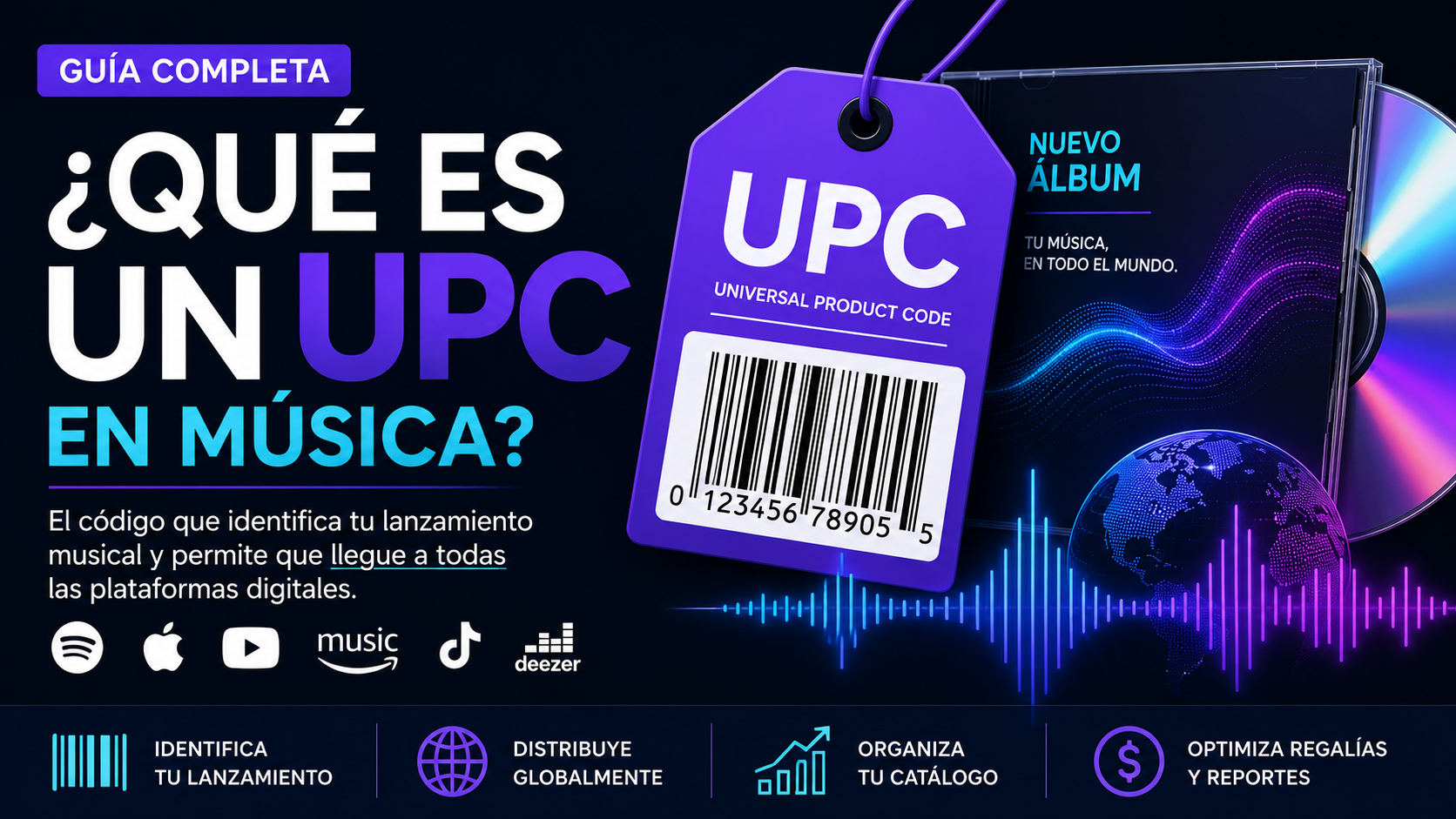
| Release UPC | UPC code for the single, EP, or album |
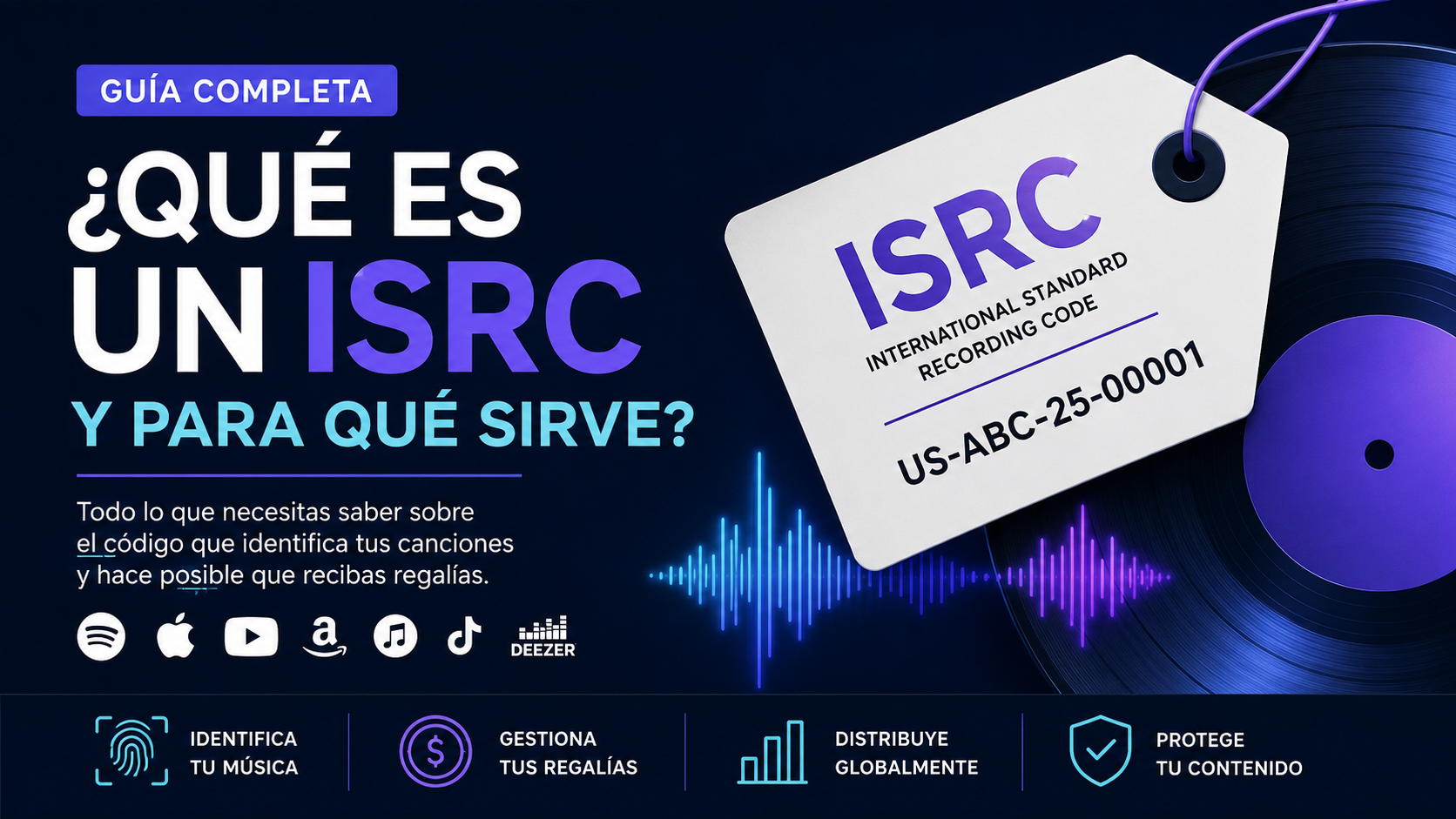
| Song ISRC | ISRC code for each track |
| Distributor or label | Platform that delivered the music |
| Administrator email | Email with channel access |
| Proof of ownership | Access, screenshots, official links, or documentation |
| Detected issues | Songs on another profile, duplicates, name errors |
This information helps reduce back-and-forth during review.
Examples and real-world cases
Case 1: Independent artist with own channel and distributed music
An artist has a channel called John River Official, where he uploads music videos and Shorts. His music is also on YouTube Music through a distributor, but appears on a channel called John River - Topic.
In this case, the artist can request that the main channel be recognized as an Official Artist Channel, as long as it meets YouTube and distributor requirements.
Expected result:
- The main channel becomes the central artist hub.
- Distributed releases are better connected.
- Fans find a clearer profile.
Case 2: Artist with songs on another artist Topic channel
A singer called Luna Mar releases music to YouTube Music, but her songs appear on the Topic channel of another artist with a similar name.
Before requesting an Official Artist Channel, the incorrect assignment must be corrected. The team should report to the distributor or label:
- URL of the affected release.
- URL of the incorrect channel.
- Correct artist name.
- UPC and ISRC.
- Evidence that it is a different artist.
- Request to create or correct the Topic channel.
Expected result:
- The songs are removed from the incorrect profile.
- The correct artist Topic channel is created or corrected.
- The Official Artist Channel can then be requested.
Case 3: Label with a multi-artist channel
A record label has a channel where it publishes videos from all its artists. It wants to convert that channel into an Official Artist Channel for one of them.
This is usually not appropriate, because an Official Artist Channel must represent a single artist or band. The recommended approach is to create or use a separate channel for the specific artist.
Expected result:
- The label keeps its corporate channel.
- The artist has their own main channel.
- The request is made for the individual artist channel.
Case 4: Channel with a commercial name different from the stage name
An artist called Elias North has a channel named Urban Music 24.
Even if the channel belongs to the artist, the name does not clearly communicate the artist identity. Before requesting verification, it is advisable to adjust the channel name so it matches the stage name.
Expected result:
- Better consistency between metadata and channel.
- Lower rejection risk.
- Better recognition for fans and platforms.
Advantages and disadvantages of an Official Artist Channel
Advantages
| Advantage | Detail |
|---|---|
| Centralized identity | The artist has an official point of presence within YouTube |
| Better discovery | Fans can find the correct channel more easily |
| Catalog organization | Music content is displayed more coherently |
| More trust | The badge helps distinguish the real channel |
| Better connection with YouTube Music | The distributed catalog and artist channel are related |
| Useful for professional teams | Managers and labels can work with a clearer structure |
Disadvantages or limits
| Limit | Explanation |
|---|---|
| Does not guarantee automatic monetization | The OAC does not replace YouTube Partner Program requirements |
| Does not fix every issue by itself | Metadata or Topic problems must be managed separately |
| It can take time | Approval depends on review and eligibility |
| Requires previous organization | The channel must be clean and well identified |
| Not ideal for label channels | It must represent an artist or band, not a multi-artist catalog |
Available options to request it
Option 1: Request through a music distributor
This is the most common route for independent artists. The distributor may have a form or dedicated support process to request an Official Artist Channel.
This option usually requires:
- Main artist channel.
- Music distributed to YouTube Music.
- Matching artist name.
- Correct links.
- Policy compliance.
Option 2: Request through a record label
If the artist works with a label, the label may manage the request through its provider, network, or YouTube contact.
This route is useful when the label manages:
- Catalog.
- Metadata.
- Official videos.
- Rights.
- Claims.
- Artist channels.
Option 3: Request through a music partner or network
Some companies with a direct relationship with YouTube can help manage requests, review channels, and solve Topic conflicts.
This route can be useful when there are more complex identity, catalog, or rights issues.
Option 4: Direct management with YouTube
Some channels, companies, or artists with a direct relationship with YouTube may have access to support or a Partner Manager.
Not every artist has this option available.
Common mistakes when verifying an Official Artist Channel
1. Requesting it without having music on YouTube Music
If the artist does not have releases officially delivered to YouTube Music, the request may not move forward.
2. Using a label channel as the artist channel
A label channel with content from many artists is usually not the right channel for an individual OAC.
3. Having different names on each platform
Name inconsistency creates identity doubts.
Example:
- Spotify:
Ana Sol - YouTube:
Ana Sol Official - Distributor:
ANA SOL MUSIC - Topic:
Ana Sol - Topic
Although it may seem minor, this difference can complicate the review.
4. Not checking the Topic channel
Many OAC issues begin with an incorrect, duplicate, or mixed Topic channel.
5. Having third-party content without authorization
Videos with protected material, unauthorized clips, or content owned by others can affect channel eligibility.
6. Changing the channel name right before applying
Recent changes can create delays or inconsistencies. It is better to make adjustments in advance.
7. Requesting several times without fixing the problem
Submitting multiple requests without resolving the reason for rejection does not speed up the process. It can make the case more confusing.
8. Confusing general verification with an Official Artist Channel
YouTube general verification and the Official Artist Channel are different processes. A channel may have a general verification badge and still not be a music OAC.
9. Not having administrative access to the channel
If the artist or their team does not control the channel, the process can be blocked.
10. Not documenting the case
When there are profile errors, artists with the same name, or songs assigned incorrectly, document everything with URLs, UPCs, ISRCs, and screenshots.
Quick review table before applying
| Question | Ideal status |
|---|---|
| Does the channel represent one artist or band? | Yes |
| Does the channel name match the artist name? | Yes |
| Is there music distributed to YouTube Music? | Yes |
| Is there a correct Topic channel? | Yes or being corrected |
| Does the channel comply with YouTube policies? | Yes |
| Does the artist control the channel? | Yes |
| Is the artist metadata clean? | Yes |
| Are there songs on incorrect profiles? | No |
| Is there third-party content without permission? | No |
| Will the request be made through a valid route? | Yes |
How to prepare the channel to improve approval chances
Optimize visual identity
The channel should look like the artist official home.
Review:
- Profile picture.
- Banner.
- Channel name.
- Description.
- Social links.
- Platform links.
- Country or location if applicable.
- Professional contact email.
Organize the content
Create clear sections such as:
- Official videos.
- Recent releases.
- Shorts.
- Live performances.
- Lyric videos.
- Interviews.
- Official playlists.
Take care of metadata
Metadata must be consistent across every point of the music ecosystem:
- Artist name.
- Titles.
- Featured artists.
- Credits.
- ISRC.
- UPC.
- Label.
- Distributor.
- Language.
- Release date.
Review rights conflicts
Before applying, check whether the channel has:
- Active strikes.
- Pending claims.
- Blocked videos.
- Reused content.
- Unauthorized material.
- Content ID conflicts.
An Official Artist Channel should not be used as a magic fix for rights problems. First, put the house in order; then place the official sign on the door.
Relationship between Official Artist Channel and YouTube Content ID
The Official Artist Channel and YouTube Content ID are different tools.
| Element | Official Artist Channel | YouTube Content ID |
|---|---|---|
| Main function | Artist identity and channel organization | Identification and monetization of audio or video uses |
| Focus | Official presence | Rights management |
| Applies to | Artist channel | Works, recordings, and references |
| Visible result | Badge and unified channel | Claims, monetization, or blocking |
| Managed by | YouTube, distributor, label, or partner | Rights holders, distributors, or authorized administrators |
An artist can have an OAC without directly managing Content ID, and can also have active Content ID without having obtained an Official Artist Channel yet.
Relationship between Official Artist Channel and YouTube Music
YouTube Music uses metadata delivered by distributors, labels, and music providers to display artists, albums, and songs.
When there is a good match between the artist channel, the Topic channel, and distributed releases, the user experience improves.
This helps ensure that:
- The catalog is easier to find.
- Releases appear associated with the correct artist.
- Fans are not scattered across duplicate profiles.
- The artist team has a stronger identity.
What to do if your music appears on another Topic channel
This is one of the most common problems.
Signs of an incorrect assignment
- Your song appears on another artist Topic channel.
- The Topic channel mixes songs from several different artists.
- Your YouTube Music profile shows music that is not yours.
- Your release does not appear on your artist page.
- There are artists with the same name on the platform.
What you should report
Prepare a support ticket with:
- Correct artist name.
- URL of the affected song.
- URL of the incorrect Topic channel.
- URL of the correct channel, if it exists.
- Release UPC.
- Song ISRC.
- Distributor or label that delivered the content.
- Clear explanation of the issue.
- Request for reassignment or creation of the correct Topic.
Example support explanation
The song was correctly distributed to YouTube Music, but the Art Track appears associated with a Topic channel that belongs to another artist with a similar name. We request a review of the assignment, removal of the content from the incorrect profile, and association with the correct artist profile.
Best practices for labels and managers
Labels and managers should treat the Official Artist Channel as part of the professional infrastructure of the catalog.
Team checklist
| Area | Best practice |
|---|---|
| Metadata | Keep names, credits, and identifiers consistent |
| Channel | Use a separate channel for each artist |
| Rights | Verify that uploaded content is authorized |
| Releases | Confirm that YouTube Music is included in distribution |
| Topic | Review assignments after each release |
| Support | Document cases with URLs, UPCs, and ISRCs |
| Brand | Keep image, links, and description updated |
Frequently asked questions
1. What is an Official Artist Channel on YouTube?
It is the main channel recognized by YouTube to officially represent an artist or band and bring their music content into one place.
2. Is an Official Artist Channel the same as a verified channel?
No. General verification confirms the authenticity of a channel, while the Official Artist Channel is designed specifically for music artists.
3. What is a Topic channel?
It is an automatically generated channel created by YouTube to group music delivered to YouTube Music through a distributor, label, or music provider.
4. Do I need a music distributor?
In most cases yes, because YouTube requires official music delivered to YouTube Music by a distributor, label, or music partner.
5. How many releases do I need?
The general criterion usually starts with at least one official release on YouTube Music, although some distributors may require more releases or internal conditions.
6. Do I need many subscribers?
Not always. YouTube does not treat the OAC as a simple subscriber milestone. However, some partners or distributors may set their own requirements.
7. Can I convert a label channel into an Official Artist Channel?
Usually, this is not ideal. The Official Artist Channel must represent one artist or band, not a label with several artists.
8. What happens if my music is on another artist Topic channel?
You should report it to your distributor, label, or music partner with URLs, UPC, ISRC, and a clear explanation to request correction.
9. How long does approval take?
It can take from a few days to several weeks, depending on the review, request route, and possible metadata or rights conflicts.
10. Does the Official Artist Channel activate monetization?
Not necessarily. Monetization depends on other requirements, such as the YouTube Partner Program, Content ID, or distribution agreements.
11. Can I have several Official Artist Channels for the same artist?
You should not. The purpose of the OAC is to centralize the artist official presence in one main channel.
12. Can I request it if I do not have a Topic channel yet?
It depends on the case. If you already have music distributed to YouTube Music, a Topic channel may exist or be generated. If it does not exist, review the music delivery first.
13. What should I do if my channel was rejected?
Review the name, metadata, policies, third-party content, Topic channel, administrative access, and request route before applying again.
14. Does the Official Artist Channel change my existing videos?
It should not delete your videos. Its main function is to organize and better connect the artist music content.
15. Can another artist with the same name affect my request?
Yes. Artists with the same name are a common cause of confusion. In these cases, metadata, official links, and identifiers such as UPC and ISRC are essential.
Conclusion
Verifying an Official Artist Channel on YouTube is an important step to organize an artist music presence across YouTube and YouTube Music.
The process is not just about requesting a badge. Before applying, the artist should have a clear channel, officially distributed music, consistent metadata, policy compliance, and a valid request route.
For independent artists and labels, the greatest value of an OAC is clarity: fans find the right channel, catalogs are better organized, confusion with Topic channels is reduced, and the artist identity becomes more professional.
On distribution platforms such as UXEM, this type of management is often connected to broader processes involving distribution, metadata, YouTube Music, Content ID, and profile correction. The key is to prepare the information properly before escalating the request: exact artist name, URLs, UPC, ISRC, main channel, and evidence of any assignment error.
An Official Artist Channel does not replace a content strategy, nor does it automatically solve rights or metadata issues. But when implemented correctly, it becomes a central piece of an artist digital presence within the YouTube music ecosystem.