Introduction
Spotify is the world's most popular music streaming platform and one of the main showcases for independent artists and record labels.
However, one of the most common questions is:
How can I upload my music to Spotify?
The short answer is that most artists cannot upload songs directly to Spotify. Instead, they need to work with an authorized music distributor that handles music delivery, metadata management, and royalty administration.
In this guide, you will learn:
- How the distribution process to Spotify works.
- What requirements you need to meet.
- How long it takes for your music to appear.
- How to do it step by step using a distribution platform.
Table of Contents
- Can you upload music directly to Spotify?
- What do you need before publishing?
- How does distribution to Spotify work?
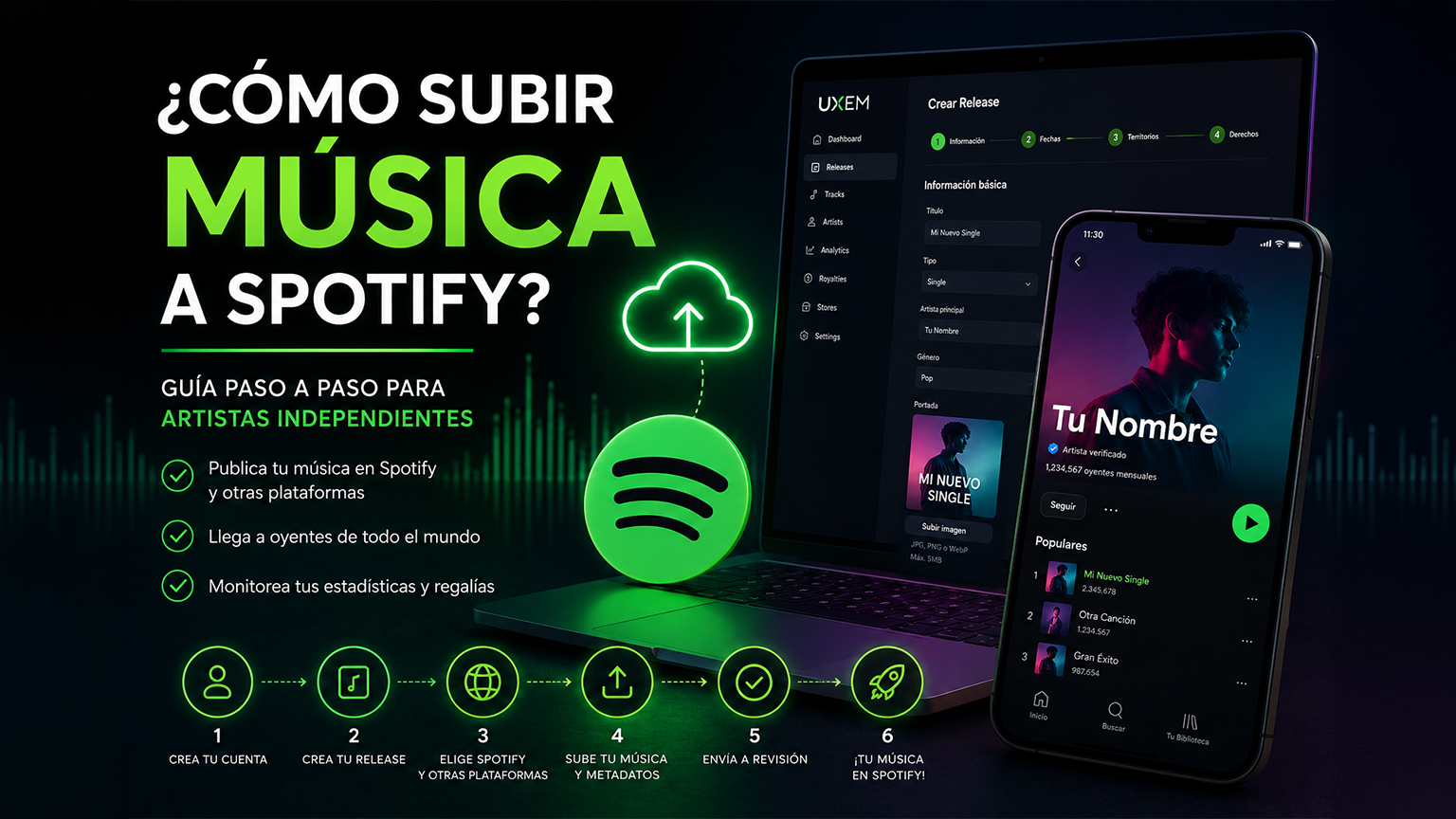
- Step-by-step guide to uploading music to Spotify.
- Practical example using UXEM.
- Common mistakes.
- Advantages and disadvantages.
- Frequently Asked Questions.
- Summary.
Can You Upload Music Directly to Spotify?
No, in most cases.
Spotify does not allow independent artists to upload music directly to its main catalog.
To publish songs, albums, or EPs, you need to use a music distributor or an authorized aggregator.
Quick Definition
A music distributor is a company or platform that delivers music to Spotify and other digital services while also managing metadata and royalties.
Some distributors also offer:
- Analytics and statistics.
- Rights management.
- Additional monetization.
- Marketing tools.
- Catalog administration.
What Do You Need Before Publishing Your Music?
Before starting the process, it is recommended to prepare the following:
| Item | Description |
|---|---|
| Audio | High-quality WAV or MP3 file |
| Cover Art | Square image without unreadable text |
| Artist Name | Must be consistent across all releases |
| Genre | Example: Pop, Reggaeton, Rock |
| Release Date | Ideally scheduled several weeks in advance |
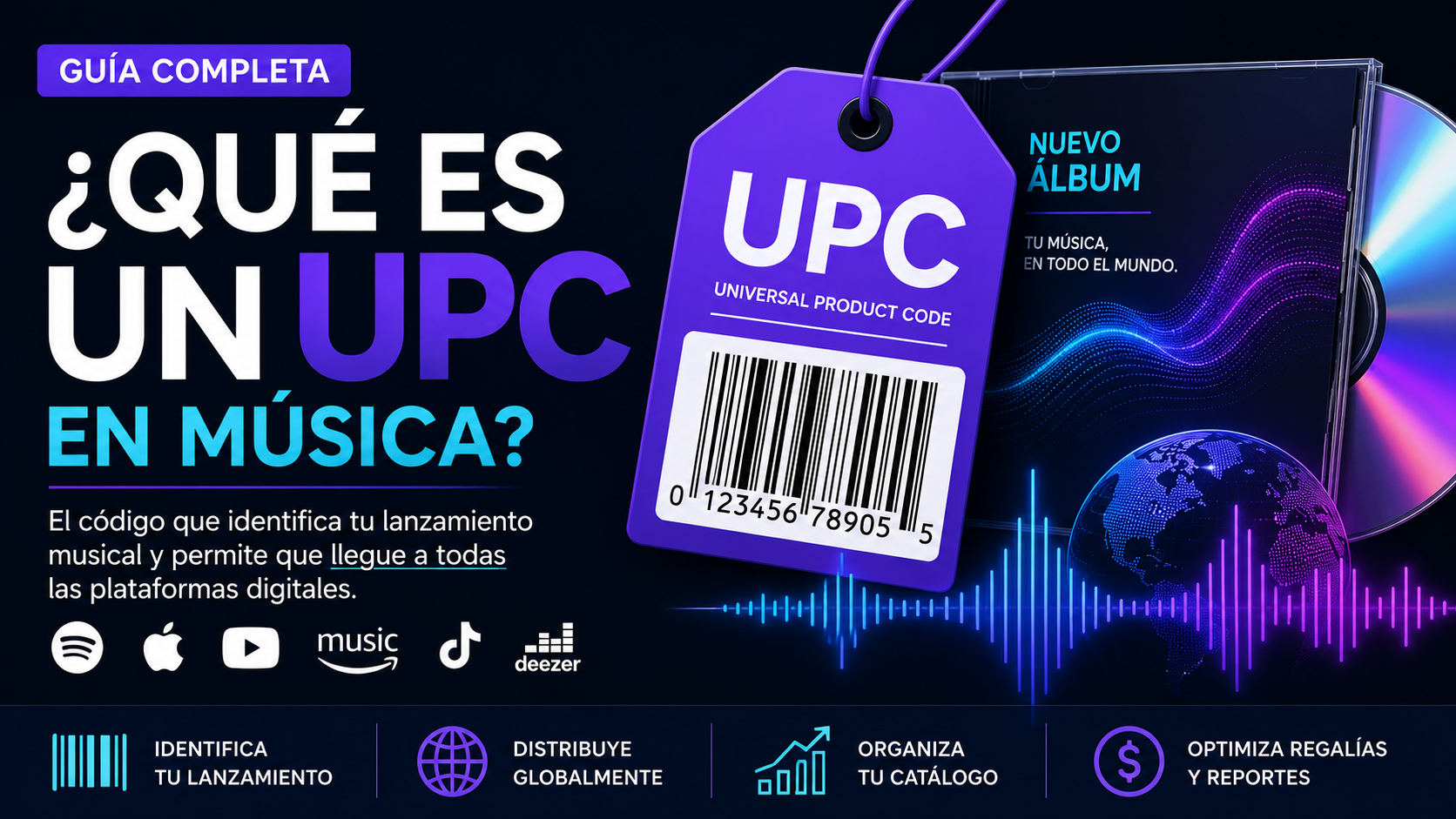
| ISRC | Unique code for each recording |
| UPC or EAN | Code for the complete release |
| Legal Information | Copyright owner and rights holder |
How Does Distribution to Spotify Work?
The process usually follows these steps:
- The artist creates a release.
- Uploads audio and cover art.
- Adds metadata and rights information.
- The distributor reviews the content.
- The distributor sends the information to Spotify.
- Spotify processes and publishes the release.
- The artist starts receiving statistics and royalties.
Simplified Workflow
Artist
   ↓
Distributor
   ↓
Quality Control
   ↓
Spotify
   ↓
Listeners
   ↓
Royalties and Analytics
Step-by-Step Guide to Upload Music to Spotify
Step 1. Create an Account with a Distributor
The first step is to register on a music distribution platform.
Depending on the service, you may choose:
- Monthly subscription.
- Annual subscription.
- Pay-per-release model.
- Commission-based royalties model.
Step 2. Create a Release
You will need to provide the basic information:
| Field | Example |
|---|---|
| Title | My New Song |
| Type | Single, EP, or Album |
| Label | Independent |
| Genre | Reggaeton |
| Language | Spanish |
| Cover Art | JPG or PNG image |
The cover art must comply with Spotify's standards:
- Square format.
- High resolution.
- No offensive content.
- No misleading information.
Step 3. Select Spotify as a Distribution Platform
Most distributors allow you to select:
- Spotify
- Apple Music
- YouTube Music
- TikTok
- Amazon Music
- Deezer
- Tidal
- Other platforms.
You can distribute exclusively to Spotify or take advantage of a global release.
Step 4. Add Artists and Contributors
You should specify:
- Main artist.
- Featured artists.
- Producers.
- Songwriters.
- Royalty splits.
This is important because Spotify uses this information to display credits correctly.
Step 5. Upload the Songs
For each track, you should include:
| Field | Description |
|---|---|
| Title | Song title |
| File | WAV or MP3 |
| ISRC | Optional if generated by the distributor |
| Lyrics | Optional |
| Explicit Content | Yes / No |
Step 6. Submit for Review
Before sending your release to Spotify, distributors typically review:
- Audio quality.
- Cover art format.
- Metadata.
- Copyright information.
- Compliance with platform policies.
If everything is correct, the release proceeds to the distribution process.
Practical Example: How to Upload Music to Spotify Using UXEM
A distribution platform like UXEM allows you to complete this process through a guided workflow.
1. Create an Account
First, you need to:
- Register.
- Verify your email address.
- Access the administration dashboard.
2. Choose a Plan
You can select:
- Monthly or annual billing.
- Local or international currency.
- Apply coupons or referrals.
3. Create a Release
| Field | What to Enter |
|---|---|
| Title | Release name |
| Type | Single, EP, or Album |
| Genre | Main genre |
| Language | English, Spanish, etc. |
| Cover Art | JPG, PNG, or WebP |
4. Configure Release Date and Territories
You can define:
- Release date.
- Exact release time.
- Pre-order options.
- Worldwide or country-specific distribution.
5. Select Spotify and Other Platforms
You can choose to distribute to:
- Spotify.
- Apple Music.
- YouTube Music.
- TikTok.
- Amazon Music.
- Deezer.
- Tidal.
6. Add Artists and Tracks
The system allows you to:
- Create artist profiles.
- Add collaborators.
- Assign royalty splits.
- Upload MP3 or WAV files.
- Add lyrics and ISRC codes.
7. Submit for Review
Once completed:
| Status | Meaning |
|---|---|
| 📝 Draft | You are editing |
| 👀 Under Review | The team has received the release |
| 🔍 Quality Control | Technical validation |
| 🚀 Distributed | The release is live |
| ⚠️ Changes Required | Information needs correction |
How Long Does It Take for a Song to Appear on Spotify?
There is no single timeline.
It depends on:
- The distributor's review time.
- Metadata quality.
- Spotify's internal processing.
- The number of selected platforms.
Generally, after approval, the process can take between 2 and 7 business days, although many artists prefer to schedule their releases several weeks in advance.
Common Mistakes When Uploading Music to Spotify
Publishing with Too Little Notice
This reduces the time available to:
- Run promotional campaigns.
- Submit for editorial playlists.
- Build audience anticipation.
Using Incorrect Cover Art
A low-resolution image or one containing prohibited elements may delay the release.
Inconsistent Metadata
Errors in:
- Artist name.
- Credits.
- Genre.
- Rights ownership.
Can affect both publication and royalty payments.
Incorrect Rights Registration
It is important to identify:
- Copyright owner.
- Publishing rights.
- Contributor shares.
Advantages of Distributing Music on Spotify
- Global reach.
- Detailed analytics.
- Royalty monetization.
- Opportunity to appear on playlists.
- Access to artist tools.
Disadvantages or Challenges
- High competition.
- Dependence on algorithms.
- Revenue may vary.
- Requires a consistent promotional strategy.
Frequently Asked Questions (FAQ)
Can I Upload Music to Spotify for Free?
Not directly.
You need a distributor or aggregator that has agreements with Spotify.
Do I Need a Record Label?
No.
Many independent artists release music without being signed to a label.
What Audio Format Does Spotify Recommend?
Generally, Spotify recommends:
- Uncompressed WAV files.
- High quality audio.
- Professional standard sample rates.
Do I Need an ISRC Code?
Yes.
Every recording should have an ISRC.
Some distributors generate it automatically.
Can I Publish Only on Spotify?
Yes.
Although many artists prefer to distribute simultaneously across multiple platforms to maximize their reach.
Summary
Uploading music to Spotify requires using an authorized music distributor that acts as an intermediary between the artist and the platform.
The process includes:
- Creating a release.
- Uploading audio and cover art.
- Completing metadata.
- Defining rights and collaborators.
- Passing a technical review.
- Distributing the music to Spotify and other services.
Understanding how digital distribution works allows artists and labels to make better decisions and develop a sustainable strategy within the music industry.
Keep Learning
Music distribution is only one part of the digital music ecosystem.
Understanding concepts such as royalties, ISRC, copyrights, release strategies, and monetization can help you make the most of the opportunities offered by Spotify and other streaming platforms.
Platforms like UXEM are part of this new generation of solutions that seek to simplify these processes for artists and record labels by integrating distribution, management, and monetization into an increasingly global environment.